How to update Motif plugins
Last updated: April 24, 2026
When a plugin update is available, you'll see an orange dot in the Motif plugin menu. Keep your plugin updated to access the latest features.
Download the latest Motif Plugins Installer from motif.io/plugins-installer.
(You can also find the download link in the Help text of the Publish | Receive tab inside Motif, or via the overflow menu in the top-right corner of your board.)
Locate the downloaded file
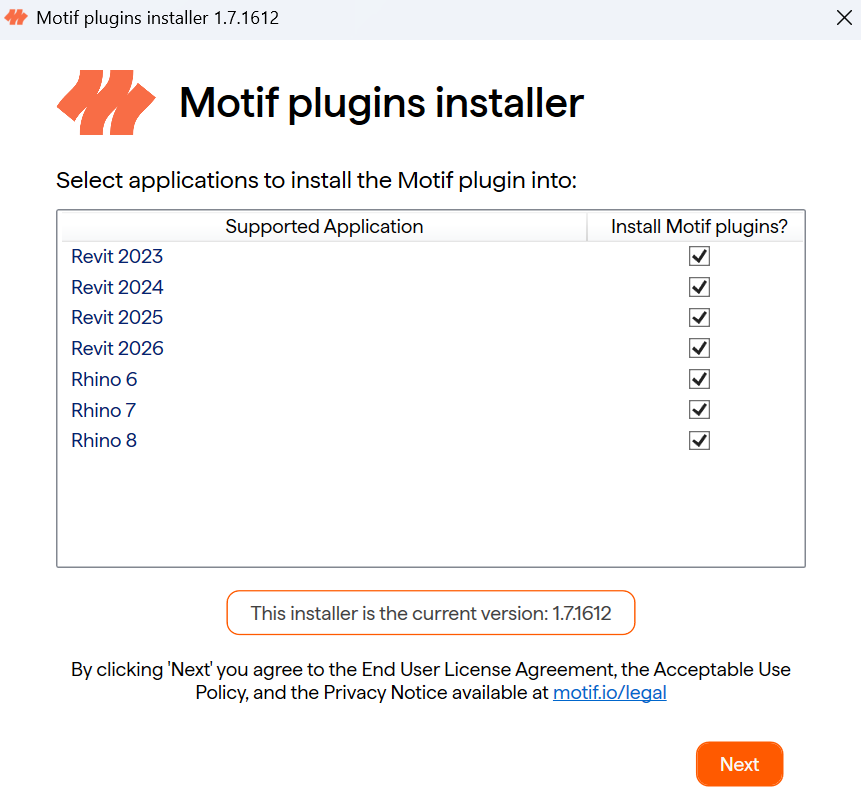
MotifPluginsSetupand double-click it to run the installer.The installer automatically detects your installed versions of Revit. Click Next to proceed.
Once installed, open (or relaunch) Revit or Rhino.
Need help? Reach out to us at community.motif.io